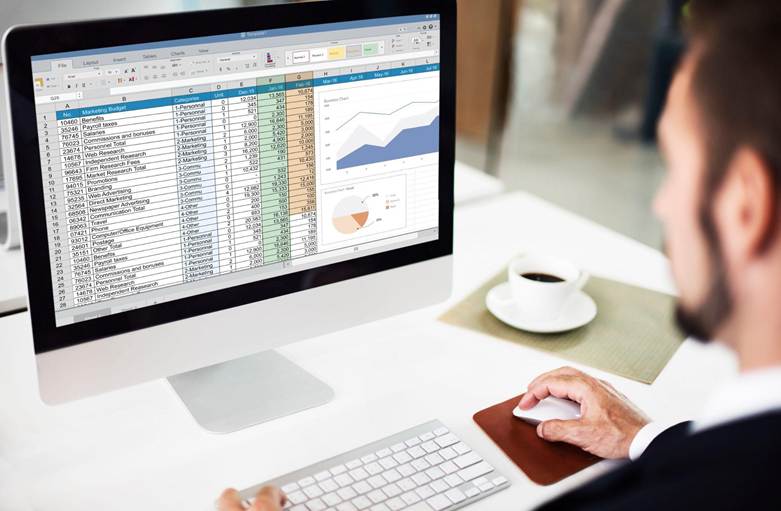
Walk into almost any finance office, and there is a file that quietly keeps the place running. Anyone who has spent decades around trading desks and back offices, as Kenny Natiss has, knows the type well: a workbook nobody planned that somehow became essential.
It usually starts innocently. A new report is due, the main system cannot produce it, and someone handy with Excel builds a workaround over a weekend. It does the job, and everyone is relieved.
Then it gets reused the next month. Someone adds a macro. Another tab appears. A few years later, that weekend project is reconciling positions, calculating fees, or feeding numbers to auditors, and the whole office leans on it without quite noticing.
A Second Office Running Behind the First
People in technology circles call these tools shadow systems. The name sounds ominous, but there is nothing sinister about it. They exist because someone had a problem and solved it faster than any formal project could have.
Finance happens to be fertile ground for them. The people doing the work are comfortable with numbers, fluent in formulas, and almost always short on time. Off-the-shelf trading and accounting platforms rarely match how a particular firm operates, so the gaps get filled with spreadsheets layered on top.
Over a decade or two, those layers pile up. A firm can end up with a second operating environment that never appears on any org chart or IT inventory, held together by VBA, linked files, and good intentions.
When Clean Numbers Hide a Problem
The trouble with a spreadsheet is not that it can break. Everything can break. The trouble is that it rarely tells anyone when it does.
A row gets skipped. A range stops one cell short. A pasted value quietly overwrites a formula that used to update itself. The output still looks tidy, the totals still land somewhere plausible, and so the number gets trusted and passed along.
The finance world learned this lesson in a very public way in 2012, when a major bank’s trading loss was traced partly to a risk model that ran through a chain of spreadsheets. An internal review found the process depended on manual copying and pasting, and a calculation error had made the risk look smaller than it was.
Most firms will never face anything on that scale. Still, a mispriced position, a fee billed incorrectly to a client, or a filing built on last month’s data can do plenty of damage to a smaller shop, especially when nobody catches it for several quarters.
The Person Behind the File
Ask who maintains one of these tools, and the answer is almost always a single name. The original builder knows why step four exists, what the hidden tab does, and which manual adjustment gets made every Friday afternoon.
That knowledge lives in one head. When its owner takes two weeks off, things slow down. When its owner moves on to another firm, things can stop altogether. The macro still runs, but nobody left in the building can say whether it is running correctly.
It is an odd kind of risk because everything looks fine until the moment it does not. By then, the one person who could explain it may be answering emails from a new job.
Regulators and Auditors Are Paying Attention
For years, supervisors have nudged financial firms to treat important calculations as controlled assets, no matter what software produces them. Banking guidance on model risk management expects firms to know which models they rely on, document how those models work, and validate them.
A risk or pricing calculation sitting in an undocumented workbook does not get a pass just because it lives in Excel. More and more, the question from examiners and auditors is simple: if this number matters, who controls how it gets made?
Shining a Light on What Is Already There
The encouraging part is that the first step costs very little. It begins with an honest conversation.
Asking each team which files they would panic about losing tomorrow tends to surface the important ones quickly. Tracing month-end packages and regulatory reports back to their source files fills in the rest. Along the way, a quick note of who built each tool and whether anyone else could run it in a pinch rounds out the picture.
That last detail usually reveals the most. A critical process with only one capable operator deserves attention first, however polished the file looks.
Matching the Fix to the Stakes
Not every spreadsheet needs to become a custom application. Plenty of them are fine as they are and simply need a little care, such as version history, a short explanation tab, and a second person who knows how to run them.
Tools that carry more weight benefit from tighter handling. Locking formulas, validating inputs, naming a clear owner, and storing the file somewhere backed up and access-controlled go a long way.
The handful that feed trades, client statements, or regulators are a different story. Those usually belong in a proper database, something like SQL Server, where data is separated from logic, and every change leaves a trail. Excel can stay on as a familiar front end. It just stops being the place where the official numbers live.
Making the Official Route the Easy One
Shadow systems grow when the official path feels slow. People reach for whatever gets the work done today.
Firms that handle this well make the formal route friendlier. A quick way to request small tools, a shared set of approved templates, or a developer who sits close to the business can turn a clever weekend workaround into a supported solution in weeks instead of quarters.
These files are nothing to be embarrassed about. Each one started with someone solving a problem nobody else had gotten around to. That instinct is a good one. The smarter move is to notice it early, decide which creations matter most, and give those a sturdier place to live.
Every back office has a spreadsheet nobody officially owns. The firms that sleep better at night are simply the ones that know where theirs are.